
• Latest
  • Trending
  • All
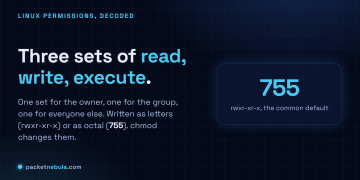
Answer card: every file has three permission sets (owner, group, other), each with read write execute, written as letters like rwxr-xr-x or as octal like 755.

Linux file permissions explained: rwx and 755

20 June 2026
Answer card stating that Mullvad announced on 3 September 2026 that it is shutting down its public encrypted domain name system servers on 2 November 2026 and sponsoring the Quad9 Foundation instead, with 194.242.2.2 and its five sibling addresses all going away, and virtual private network customers unaffected.

Mullvad’s DNS servers go dark on 2 November, and Quad9 blocks no ads

5 September 2026
OpenAI announcement image for GPT-6 Astra, a spiral galaxy of white, blue and amber points of light curling around a bright core on a near black star field.

GPT-6 Astra lists at $10 and $50, 2.5x what GPT-5.6 Sol costs

4 September 2026
Google's official announcement image for the release, reading Introducing Gemini 3.8 Flash and 3.8 Flash Cyber in black type over a pale blue background with a blurred white chevron and the four colour Gemini spark below.

Gemini 3.8 Flash keeps the price and the 1 January cliff

3 September 2026
Answer card stating that Anthropic announced Enterprise Frontier Safeguards on 1 September 2026, that activity data used for misuse monitoring moves into cloud storage the customer controls under the customer own encryption keys, that Anthropic charges nothing for the feature while the cloud provider bills storage and egress, and that the phased rollout starts later in autumn 2026 with interim zero data retention on Fable 5 and Fable 5.1 for eligible customers.

Anthropic moves retention into your own cloud, for 30 days

3 September 2026
Official Google diagram of a client connection in three numbered steps: a DNS lookup with a query and an address, a TLS ClientHello and ServerHello, then a content exchange with a website. A callout on the DNS step reads 25% of global web traffic is now protected by encrypted DNS, and a callout beside an Android phone on the ClientHello step reads Android 17 supports ECH GREASE by default.

Android 17 hides the SNI, not your DNS or destination

3 September 2026
Still frame from the Claude Fable 5.1 launch video showing model-designed protein binders in orange docked against twelve grey target proteins, rendered as ESMFold2 structure predictions.

Claude Fable 5.1 breaks forced tool use, cuts cache 75%

1 September 2026
Answer card stating that on 31 August 2026 the European Commission designated ChatGPT a Very Large Online Search Engine under the Digital Services Act, the first conversational AI service classified that way, because it answers user prompts and queries including by searching the web, with OpenAI having declared roughly 159.1 million average monthly users in the European Union for ChatGPT search.

The EU now calls ChatGPT a very large search engine

3 September 2026
Answer card stating that on 31 August 2026 the Department of War added OpenAI ChatGPT Mil and Starshield AI Grok for Government to the GenAI.mil portal alongside Google Gemini, all three accredited at Impact Level 5 for Controlled Unclassified Information, with 1.7 million unique users onboarded out of roughly 3 million eligible personnel, and ChatGPT Mil currently serving GPT-5.4 Terra with GPT-5.6 Terra said to be rolling out.

ChatGPT Mil and Grok reached IL5 on GenAI.mil

3 September 2026
Answer card stating that Anthropic opened a research preview of the Model Hardware Standard on 27 August 2026, standardising the driver layer between an operating system and a laboratory instrument with read and write primitives plus discovery and safety limits, reachable through MCP as well as a command line and code files, with no public specification published.

Anthropic’s Model Hardware Standard is gated, and sits under MCP

3 September 2026
Official Cohere key art for the Parse 5 launch: the Cohere mark and the wordmark Parse with a superscript 5 in white, centred on a soft out of focus gradient of deep blue, violet and amber curves.

Cohere Parse 5 is $1.50 per 1,000 pages, on three of five dimensions

3 September 2026
Title card from the OpenAI announcement video: a man sits on a blue sofa in a loft with tall windows and potted plants, a laptop open on the coffee table in front of him, with the words WebMCP in ChatGPT in large white type across the lower left.

WebMCP in ChatGPT needs GPT-5.6 Sol or Terra

3 September 2026
The Agentic Coding section of the official Hy4 preview benchmark appendix published by Tencent, a table comparing Hy3 and Hy4 preview against DeepSeek V4 Pro 0813, Qwen 3.8 Max, GLM 5.3, Kimi K3, GPT 5.6 Sol and Claude Opus 5 across SWE-bench Multilingual, SWE-bench Pro, DeepSWE, three SWE Atlas tasks, SWE-Marathon, Terminal-Bench 2.1, NL2Repo-Bench, CyberGym, ProgramBench, PostTrainBench and Harbor-Index.

Tencent’s 770B Hy4 tops one benchmark row in 46

3 September 2026
  • About
  • Contact
  • Privacy
  • Legal
Saturday, September 5, 2026
  • Login
Packet Nebula
  • Home
  • Articles
    • Security
    • Network
    • Dev
    • Sysadmin
    • SEO
    • Email & DNS
  • Tools
    • Network tools: free, fast, no signup
    • Security tools: free, fast, no signup
    • Developer tools: free, fast, no signup
    • Sysadmin tools: free, fast, no signup
    • SEO tools: free, fast, no signup
    • Email & DNS tools: free, fast, no signup
  • Download
  • About
No Result
View All Result
Packet Nebula
No Result
View All Result
Home Sysadmin

Linux file permissions explained: rwx and 755

by stephane
20 June 2026
in Sysadmin
0
Answer card: every file has three permission sets (owner, group, other), each with read write execute, written as letters like rwxr-xr-x or as octal like 755.
491
SHARES
1.4k
VIEWS
Share on FacebookShare on Twitter

You chmod a file, it works, you move on, and permissions stay a thing you never quite have to learn. Then a script won't run, throwing Permission denied, or a web server returns 403 on a file that's obviously sitting right there, and the rwx letters suddenly matter. The model under them is small, though. In Linux, a file's permissions are three blocks, owner then group then everyone else, and each block is just three switches: read, write, execute. You write them as letters (rwxr-xr-x) or as one octal digit per block (755), and chmod is how you change them. We'll read a real ls -l line, do the octal in our heads, and spend the most time on the part that actually catches people: what the execute bit does to a folder.

The short answer

Three permission blocks per file: owner, then group, then everyone else. Each block is three switches, read, write, execute. Write them as letters (rwxr-xr-x) or as one octal digit per block (755). chmod flips them. The one that fools everyone is execute on a directory, where it does not mean run, it means you are allowed in.
rwxread, write, execute
755rwxr-xr-x in octal
4 2 1r is 4, w is 2, x is 1
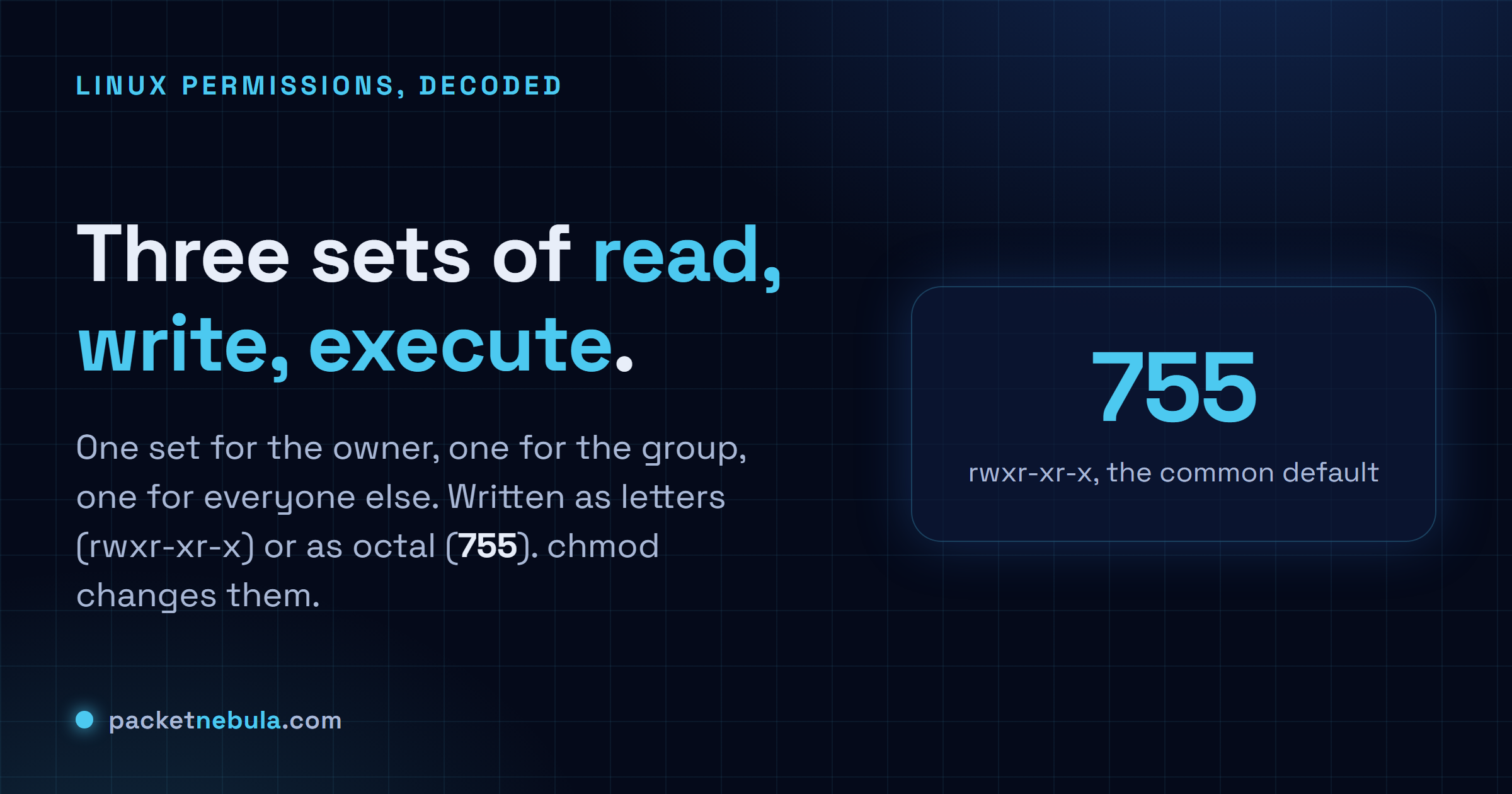
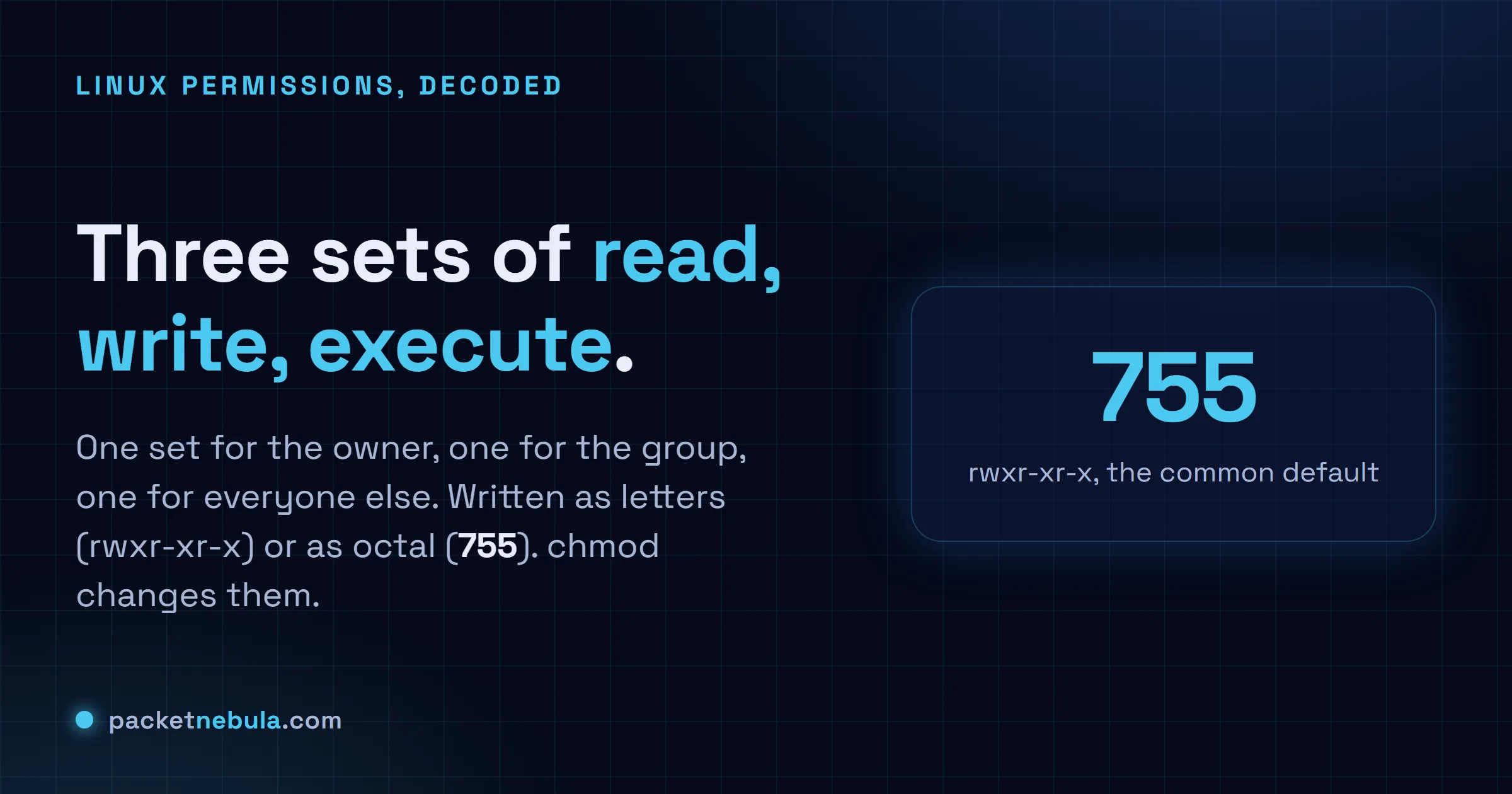
Answer card: a file's permissions are three sets of read, write and execute for owner, group and other, written as rwxr-xr-x or as the octal number 755.
The whole model on one card. Letters or numbers, same nine switches.

What ls -l is actually telling you

Run ls -l and the first thing you get is a column of letters and dashes that reads like line noise:

-rw-r--r-- 1 ada staff 2.1K Jun 18 09:14 notes.txt
drwxr-xr-x 5 ada staff 160 Jun 18 09:14 project

Ignore the very first character for a second (it’s just the type: - for a file, d for a directory, l for a symlink). The nine after it are the permissions, in three blocks of three. Owner, then group, then everyone else. Inside each block the order never changes, read then write then execute, with a dash standing in wherever a switch is off.

So notes.txt is rw- for the owner, r-- for the group, r-- for the rest. Ada reads and edits it, everyone else only reads. On a file those verbs mean what they say: read opens it, write changes what’s inside, execute runs it as a program or script. One catch worth pinning down now, because it bites people later: deleting a file isn’t the write permission on the file. It’s the write permission on the folder holding it. The file is just a name in that folder’s list.
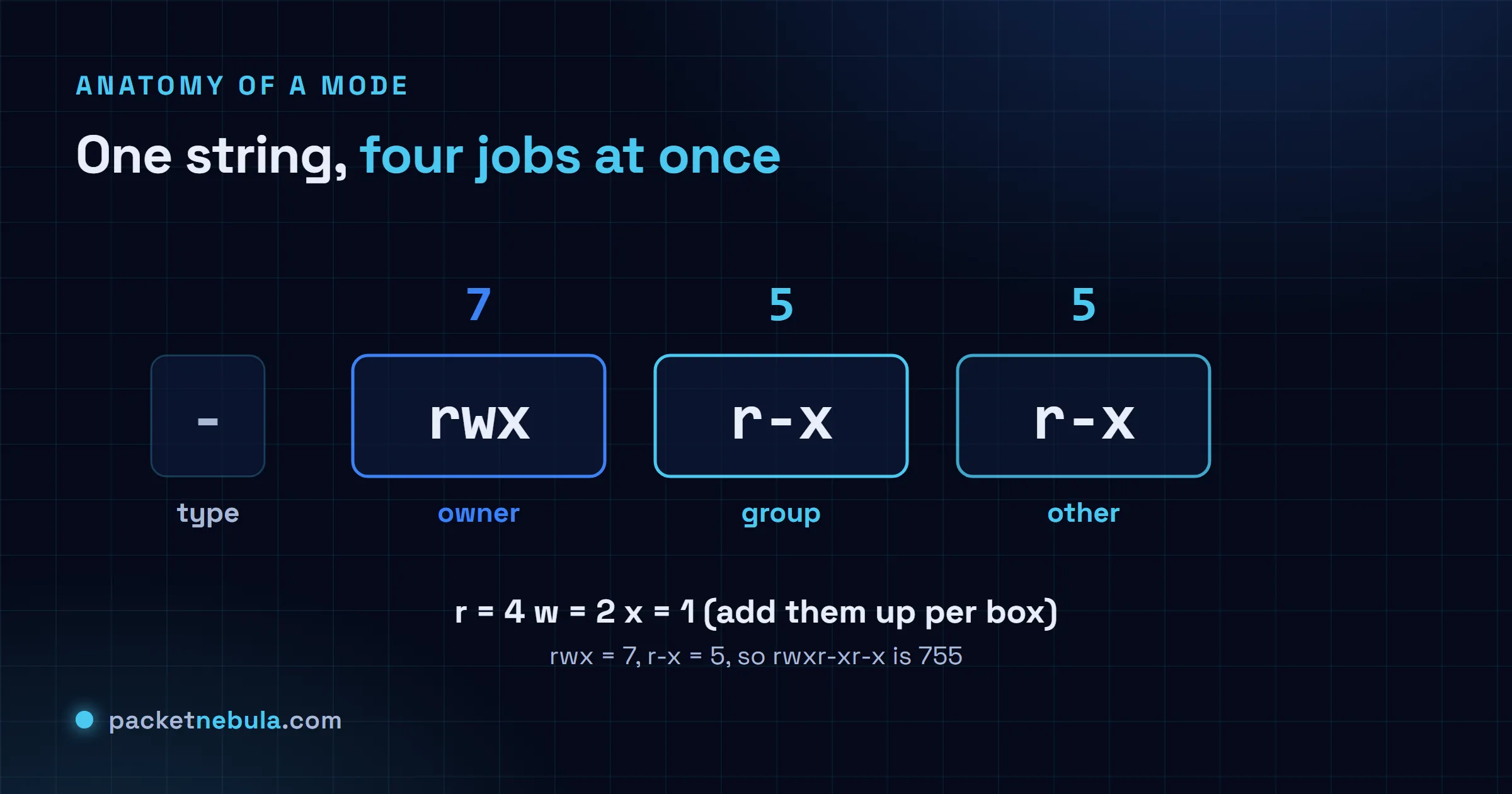
Diagram breaking rwxr-xr-x into a type character plus three triads (owner, group, other), each showing read, write and execute, with the octal value 755 underneath.
One string, four things at once: the type, then owner, group and other.

The octal shortcut: 644, 755 and friends

Counting dashes gets old, so each block of three collapses into a single digit. Read is worth 4, write 2, execute 1, and you add up whatever’s switched on. rw- is 4 plus 2, so 6. r-x is 4 plus 1, so 5. rwx is the full 7. Nothing on is 0.

Three blocks, three digits. rw-r--r-- is 644. rwxr-xr-x is 755. And chmod 644 notes.txt sets exactly that in one move. The handful you end up typing without thinking:

  • 644 for ordinary files. Owner writes, everyone reads.
  • 755 for directories and for scripts that should run.
  • 600 for something only you should read, like a key.
  • 700 for a folder nobody else should even open.

I think in octal for those and only drop to the letters when I’m flipping one switch. Which is the next bit.

chmod the symbolic way

The numeric form rewrites all nine switches at once. Sometimes you want just one. That’s what the symbolic syntax is for: who (u owner, g group, o others, a all), an operator (+ add, - remove, = set), then the switches.

chmod +x build.sh makes a script runnable. chmod go-w shared.conf pulls write off the group and others and leaves the rest alone. chmod u=rw,go=r notes.txt sets the owner to read-write and everyone else to read-only. The gotcha is =, which is absolute and wipes the other switches in that block, where + and - only touch the one you named. Reach for symbolic when you know which switch is wrong and don’t fancy recomputing the whole number.
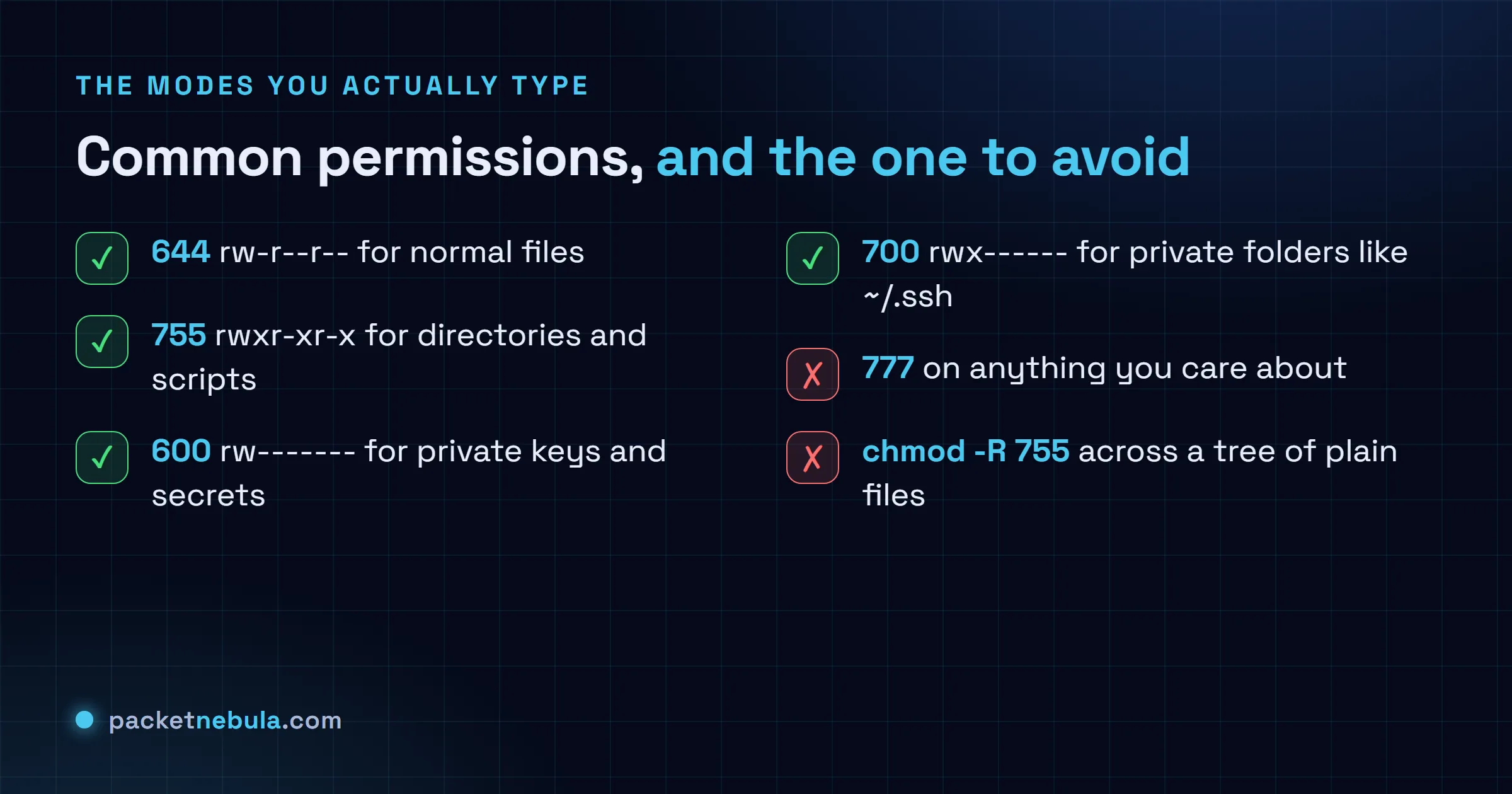
Checklist of common permission modes: 644 for files, 755 for directories and scripts, 600 for private keys, 700 for private folders, and a warning against blanket 777.
The modes you actually use, and the one to stop reaching for.

The execute bit on a directory (the part that bites)

Here’s the one nobody warns you about, and it eats afternoons. On a directory, execute does not mean run. It means you’re allowed in.

Read and execute do two different jobs on a folder. Read lets you list the names inside. Execute lets you actually reach them: cd in, open a file by its full path, stat it. A folder with read and no execute is close to useless, you see the filenames and can touch none of them. The reverse, execute and no read, is more common than you’d guess: you can open a file if you already know its exact name, but you can’t list what’s there. Plenty of servers lock a folder down exactly that way.

It’s also why one missing execute bit high up a path throws a 403. nginx has to walk every directory from the web root down to your file, and it needs execute on each one to pass through. The file can be a perfect 644, but if a single parent folder sits at 644 instead of 755, the request dies with permission denied and you go hunting in all the wrong places. Same reason ssh refuses your key when ~/.ssh isn’t 700 and the key itself isn’t 600: any looser and the group or the world could read your private key, so it just says no.

This is the trap in recursive chmod, too. chmod -R 755 mydir looks neat and quietly marks every plain file executable, which is wrong. Split it:

find mydir -type d -exec chmod 755 {} +
find mydir -type f -exec chmod 644 {} +

Folders get the execute they need to be enterable. Files don’t.

The special bits: setuid, setgid and sticky

There’s a fourth digit that can ride in front, for three special switches. You won’t set them often, but you’ll meet them.

setuid (the 4) on a program makes it run as the file’s owner instead of as you. That’s the trick behind passwd: the binary is owned by root with setuid on, so an ordinary user runs it and, for a second or two, edits the shadow file with root’s powers. Handy, and genuinely risky, which is why you basically never want it on your own files. setgid (the 2) is the friendly one, usually on a directory: new files inside inherit the folder’s group instead of your default, so a shared project folder doesn’t drift into a mess of mismatched ownership. sticky (the 1) on a directory means only a file’s owner can delete it, even where everyone can write. /tmp is the classic, showing up as drwxrwxrwt, that t in the last slot: anyone creates files, nobody removes someone else’s.

One habit ties it together. umask. It’s the mask that decides what permissions new files are born with, and on most systems it’s 022, the quiet reason fresh files land at 644 and folders at 755 without you doing a thing.

Permissions pay back ten minutes of model-building and then mostly vanish. When something feels cursed, a script that won’t run, a 403 on a file that’s plainly there, ssh ignoring a key you definitely made, it’s permissions more often than not, and ls -l plus a quick 4-2-1 finds it inside a minute. When you’d rather skip the arithmetic, our chmod calculator converts both ways and flags the modes worth a second look, and the step-by-step chmod guide runs through changing them on a live box.

Frequently asked questions

What does 755 mean in Linux permissions?

It's rwxr-xr-x. The owner gets all three switches (7), and the group and everyone else get read and execute but not write (5 each). It's the normal mode for directories, and for scripts or programs that should run for anyone but only change at the owner's hand.

What is the difference between 644 and 755?

644 is rw-r--r--, no execute anywhere, which is right for ordinary files. 755 is rwxr-xr-x, which adds execute for everyone and is what directories and runnable scripts need. Put 644 on a folder and nobody can get into it. Put 755 on a config file and you have just made it pointlessly executable.

Why is chmod 777 a bad idea?

777 hands full read-write-execute to every user and process on the box, so sure, the error clears. Trouble is, anything running on that machine can now change or replace the file. It is almost never the real fix. Find the one switch that is genuinely missing, usually execute on a parent folder, and set just that.

What is the difference between chmod and chown?

chmod changes the permission switches. chown changes who the owner and group are. A file can sit at a flawless 600 and still be unreadable to you because root owns it, not you, and that is a chown problem no amount of chmod will fix.

Do file permissions work the same on macOS?

The rwx and octal model is identical, since both are Unix underneath. macOS piles ACLs and a couple of extra flags on top and Finder hides most of it, but chmod, ls -l and the 4-2-1 math behave exactly like they do on Linux.

Tags: articlechmodfilesystemlinuxpermissionssysadmin
Share196Tweet123
stephane

stephane

  • Trending
  • Comments
  • Latest
Answer card: Proton Lumo 2.0 is private by policy, not by locality. Saved history is locked so even Proton cannot read it, but the prompt is decrypted on a Proton EU server to answer it, then forgotten.

Proton Lumo 2.0 review: how private is it, really?

3 September 2026
Answer card stating that Anthropic announced Enterprise Frontier Safeguards on 1 September 2026, that activity data used for misuse monitoring moves into cloud storage the customer controls under the customer own encryption keys, that Anthropic charges nothing for the feature while the cloud provider bills storage and egress, and that the phased rollout starts later in autumn 2026 with interim zero data retention on Fable 5 and Fable 5.1 for eligible customers.

Anthropic moves retention into your own cloud, for 30 days

3 September 2026
Google's official announcement image for the release, reading Introducing Gemini 3.8 Flash and 3.8 Flash Cyber in black type over a pale blue background with a blurred white chevron and the four colour Gemini spark below.

Gemini 3.8 Flash keeps the price and the 1 January cliff

3 September 2026
Answer card: JWTs are not encrypted, anyone can read them; the signature proves who issued the token, not who may read it.

Are JWTs encrypted? No, and the difference will bite you

0
Answer card: a random 8 character password falls in under 2 hours offline, while 16 random characters hold for 1.4 trillion years at the same speed.

How long does it take to crack a password in 2026?

0
Answer card: three DNS records decide if your mail lands or bounces; SPF lists allowed senders, DKIM signs messages, DMARC sets the failure policy.

SPF, DKIM and DMARC explained: the records your email needs

0
Answer card stating that Mullvad announced on 3 September 2026 that it is shutting down its public encrypted domain name system servers on 2 November 2026 and sponsoring the Quad9 Foundation instead, with 194.242.2.2 and its five sibling addresses all going away, and virtual private network customers unaffected.

Mullvad’s DNS servers go dark on 2 November, and Quad9 blocks no ads

5 September 2026
OpenAI announcement image for GPT-6 Astra, a spiral galaxy of white, blue and amber points of light curling around a bright core on a near black star field.

GPT-6 Astra lists at $10 and $50, 2.5x what GPT-5.6 Sol costs

4 September 2026
Google's official announcement image for the release, reading Introducing Gemini 3.8 Flash and 3.8 Flash Cyber in black type over a pale blue background with a blurred white chevron and the four colour Gemini spark below.

Gemini 3.8 Flash keeps the price and the 1 January cliff

3 September 2026
  • About
  • Contact
  • Privacy
  • Legal

Copyright © 2026 Stephane Cardon.

Welcome Back!

Login to your account below

Forgotten Password?

Retrieve your password

Please enter your username or email address to reset your password.

Log In
No Result
View All Result
  • Home
  • Articles
    • Security
    • Network
    • Dev
    • Sysadmin
    • SEO
    • Email & DNS
  • Tools
    • Network tools: free, fast, no signup
    • Security tools: free, fast, no signup
    • Developer tools: free, fast, no signup
    • Sysadmin tools: free, fast, no signup
    • SEO tools: free, fast, no signup
    • Email & DNS tools: free, fast, no signup
  • Download
  • About

Copyright © 2026 Stephane Cardon.